The most expensive edits are the ones that arrive at the wrong time. "Move the handle down a bit" on the final render means fixing the model, rechecking the materials and light and re-rendering the shot. At the shape stage, the same edit takes a couple of moves.
What the work consists of
- Shape. The model without materials — a clay render. Check the silhouette, proportions and details: are all the holes, screws and ribs in place?
- Materials. The color, gloss and texture of every part, checked against samples and color codes.
- Light and angle. The scene, background, framing and mood.
- Final. The full-size render, small fixes and clean-up.
Why the order matters
Materials sit on the shape, light sits on the materials. If the shape changes after the materials and light are set up, everything on top has to be redone. That's why it pays to catch a shape error at the first stage, even if the gray model looks "unfinished".
Clay render: what to look at
Compare the clay render with the drawings or the sample. Same proportions? All details in place? Is there room for the lettering and markings? Color isn't discussed at this stage — there is none yet.
A reference model for a series
When there are many models, the first one becomes the reference: the level of detail, materials and light are approved on it, and the rest are brought in line. The series looks consistent, and approving each following item comes down mostly to its shape.
Who approves, and how
- One person on the client side collects the edits and gives the final "yes" for each stage. How to collect edits is covered in How to give feedback on 3D.
- Stage approval is explicit: "shape approved". Then nobody returns to it without a reason.
- If a shape error still turns up at a later stage, that's normal. Just keep in mind it will pull a redo of the layers above it.
What it looks like in practice
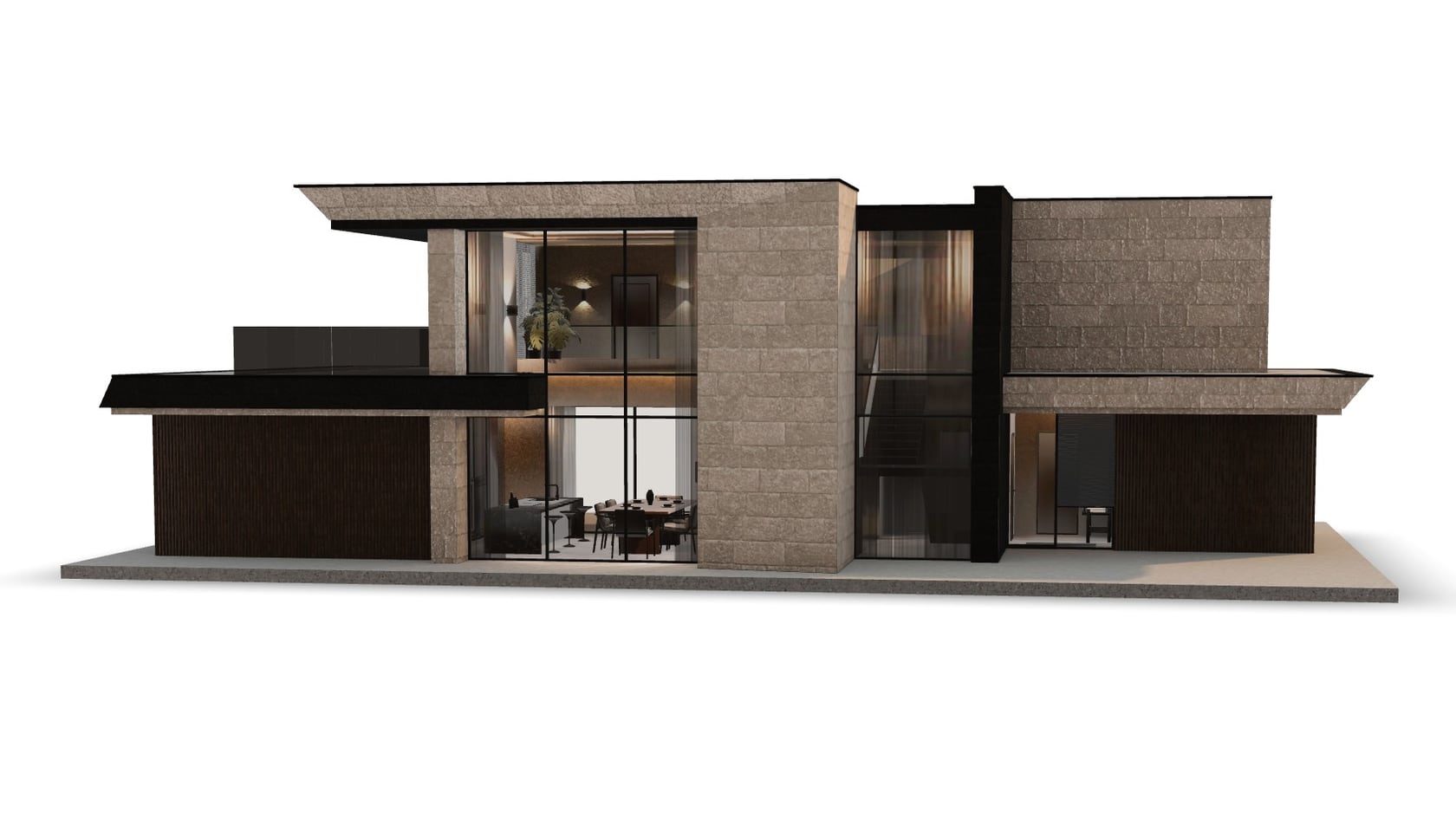
- Hilbert: the first model, E300, was made as the reference — the level of furnishing approved on it was then applied to the whole house catalog.
- Kiparis: one set of angles, backgrounds and lighting for the whole catalog. A new item lines up with the old ones without redos.
Common mistakes
- Skipping the clay render because "gray is hard to judge".
- Discussing color at the shape stage.
- Approving a stage silently and coming back to it a week later.
- Showing the work to new people at the very end, after the stages are approved.
Checklist
- Agree on the stages and on who approves them.
- Shape: check the clay render against the drawings or the sample.
- Materials: check against the color codes and samples.
- Light and angle: check against the brief and references.
- Final: small things only.
- For a series, start with a reference model.