A marketplace listing needs not one image but a dozen: a cover, angles, details, infographics, video. Shooting each one separately takes a long time. From one model they come without reshoots, and a new color is added without a new photo session.
What one model gives you
- Cover: the main frame people click on.
- Angles: the product from every side.
- Close-ups: texture, fasteners, connectors.
- The inside: an exploded view or cutaway — more in Exploded view.
- Dimensions: the product with dimension lines.
- In a room: the product where it's used.
- Variants of color and configuration.
- Video: rotation, unfolding, assembly — more in Product animation.
- A model for AR: GLB and USDZ, if the platform supports augmented-reality viewing.
Image requirements
As of October 2026, WB and Ozon expect a vertical 3:4 frame, at least 900×1200 and better with headroom. Details are in Images for the web, marketplaces and print. Requirements change, so check the seller dashboard.
Blind zones
Part of the frame is covered by the platform's badges, buttons and labels. Text, the logo and important details stay inside the safe area. Where exactly the zones are for your platform and category, check in the seller dashboard.
Listings are viewed on phones
In the feed, a listing is the size of a postage stamp. The product fills most of the frame, and there's one headline, short and large. The details go on the next slides, not on the cover.
What to prepare
- A list of slides and what's on each: which benefits to show.
- Short texts for the infographics.
- The product's dimensions for the dimensions slide.
- All colors and configurations.
- Brand fonts and colors, if the same artist does the infographics.
What it looks like in practice
- M1 GROUP: a full set for WB and Ozon listings — more than 100 renders and covers, covers with 3D lettering designed around the blind zones, an assembly video, instructions and GLB and USDZ export for AR.
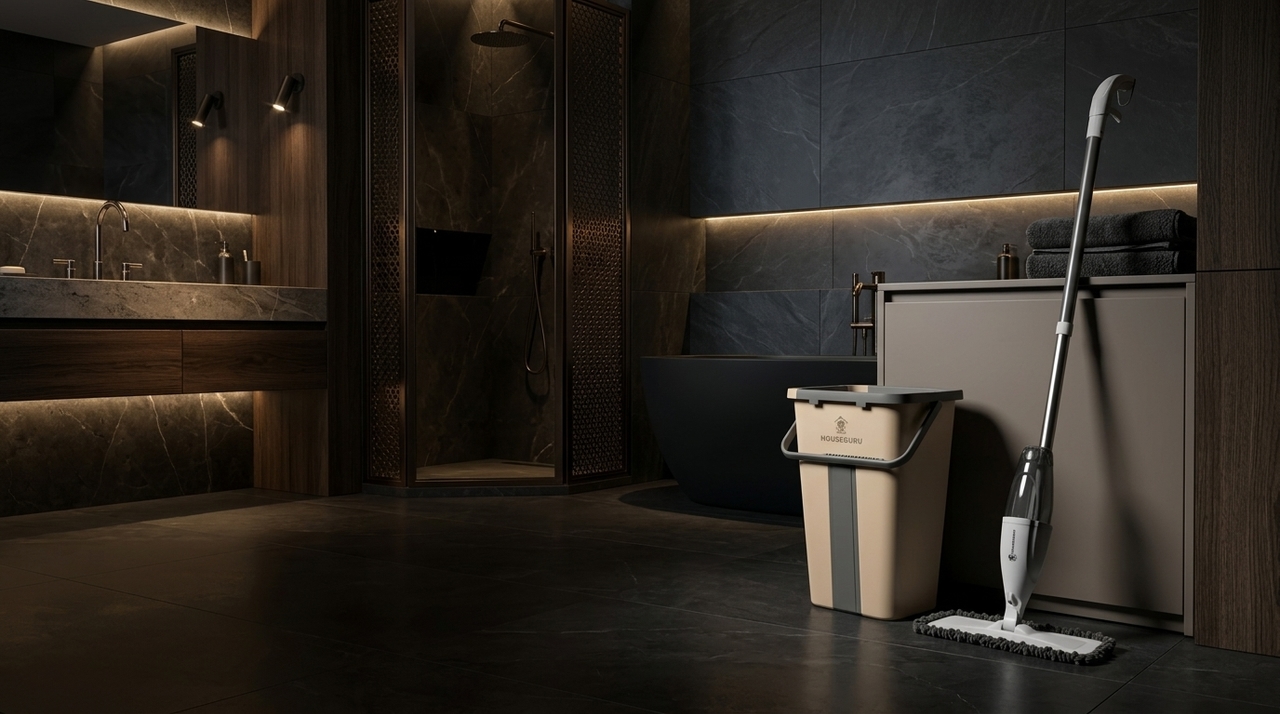
- HouseGuru: more than 30 visualizations — product renders, interior scenes, exploded views and packaging renders in one style.
Common mistakes
- A small product and lots of text on the cover.
- Important things in the badge zone.
- Horizontal frames where the platform expects 3:4.
- Different lighting and backgrounds across one product line.
Checklist
- A list of listing slides.
- 3:4, at least 900×1200, with headroom.
- A safe area for text, per the platform dashboard.
- Check the cover on a phone screen.
- All color variants.
- Video and AR, if needed.