A buyer rotates the product, zooms in on the connectors, looks underneath — that convinces better than ten photos. But 3D on a website only works if the model is made for the web: a model taken straight from a catalog render loads slowly and may not open on a phone at all.
How it works
- The model is stored as a GLB file — geometry, materials and textures in one file.
- The browser downloads the file, like an image, only heavier.
- The device's GPU draws the model via WebGL — the standard for 3D graphics in browsers — afresh every frame. That's why it can be rotated.
While the model loads
A poster image — a render of the same angle — shows first. Once the model has downloaded, it replaces the poster and can be rotated. The page is never blank, and on a slow connection the visitor still sees the product.
What the model needs
- Lighter geometry: hidden parts removed, a mesh no denser than the screen can show.
- Compressed textures of a sensible size.
- Few materials.
- Correct scale and orientation: the model stands up rather than lying on its side.
Catalog renders and the web model are often two versions of one model, a heavy one and a light one. Why the heavy one lags is covered in Why a 3D model lags on a phone.
How to embed it
- A ready-made viewer. model-viewer is Google's open-source web component: it goes on the page as a single tag and handles rotation, zoom, a poster and AR.
- A custom viewer on three.js when you need a special interface: switching variants, animation, a configurator.
- What to give the developer: the GLB, the poster and, if you need AR on iPhone, a USDZ. Formats are covered in 3D file formats.
What it looks like in practice
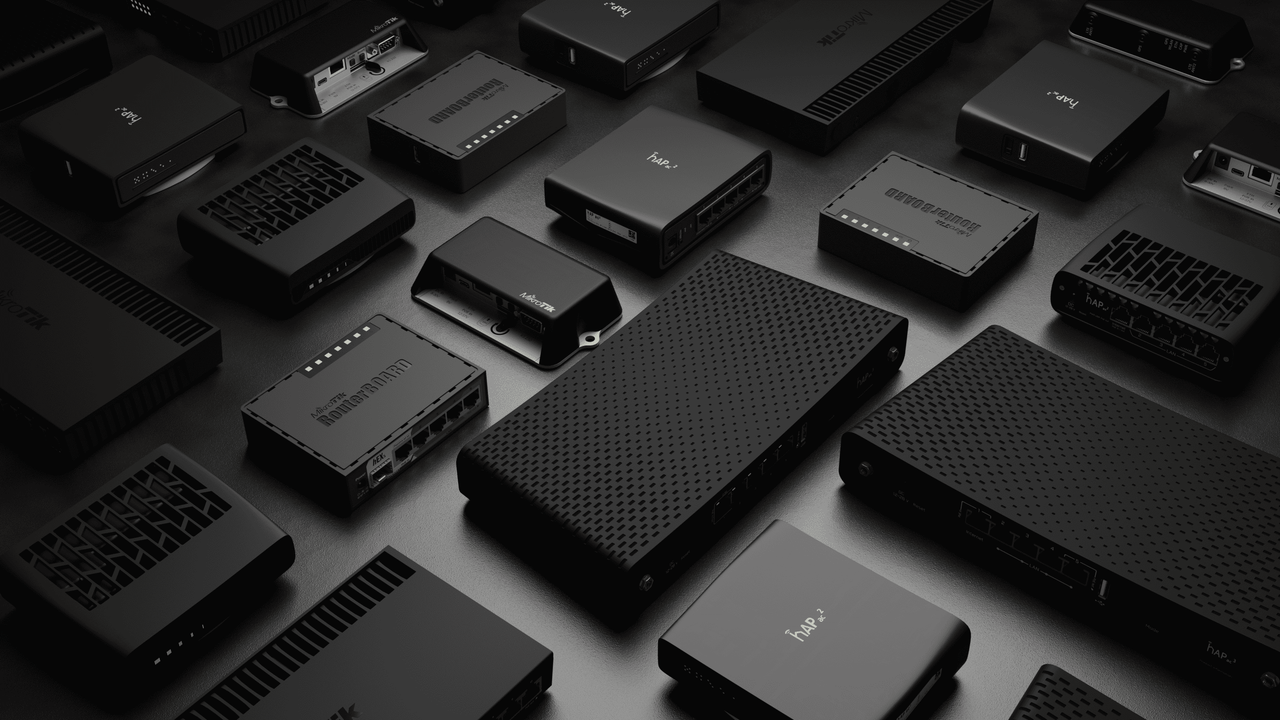
- Getic: more than 50 network equipment models viewed on the product page, in two geometry versions — heavy for catalog renders and light for mobile traffic. The client's team integrated them into a three.js viewer.
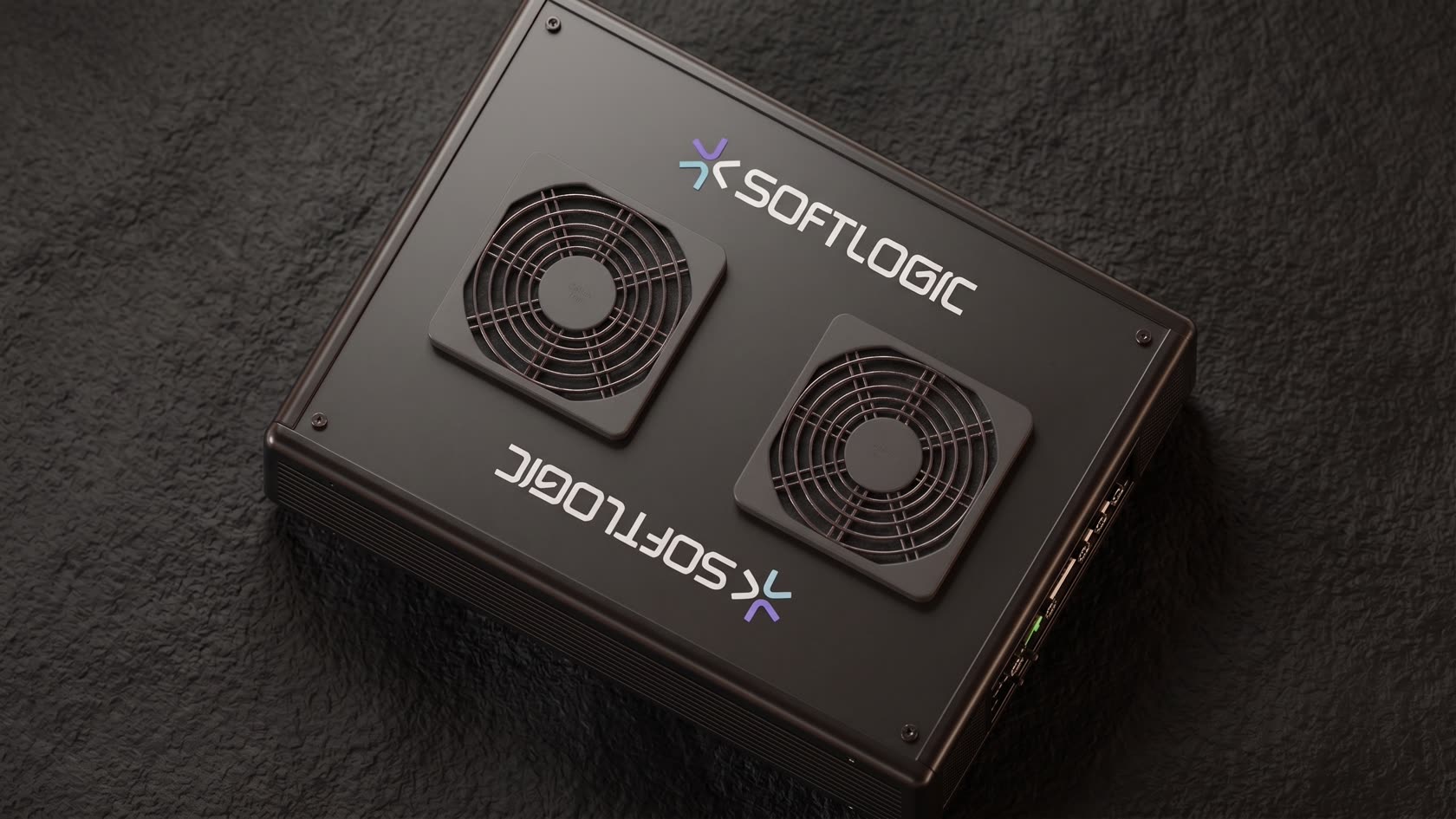
- SoftLogic: a GLB model runs in a web viewer at the bottom of the product page on the client's website.
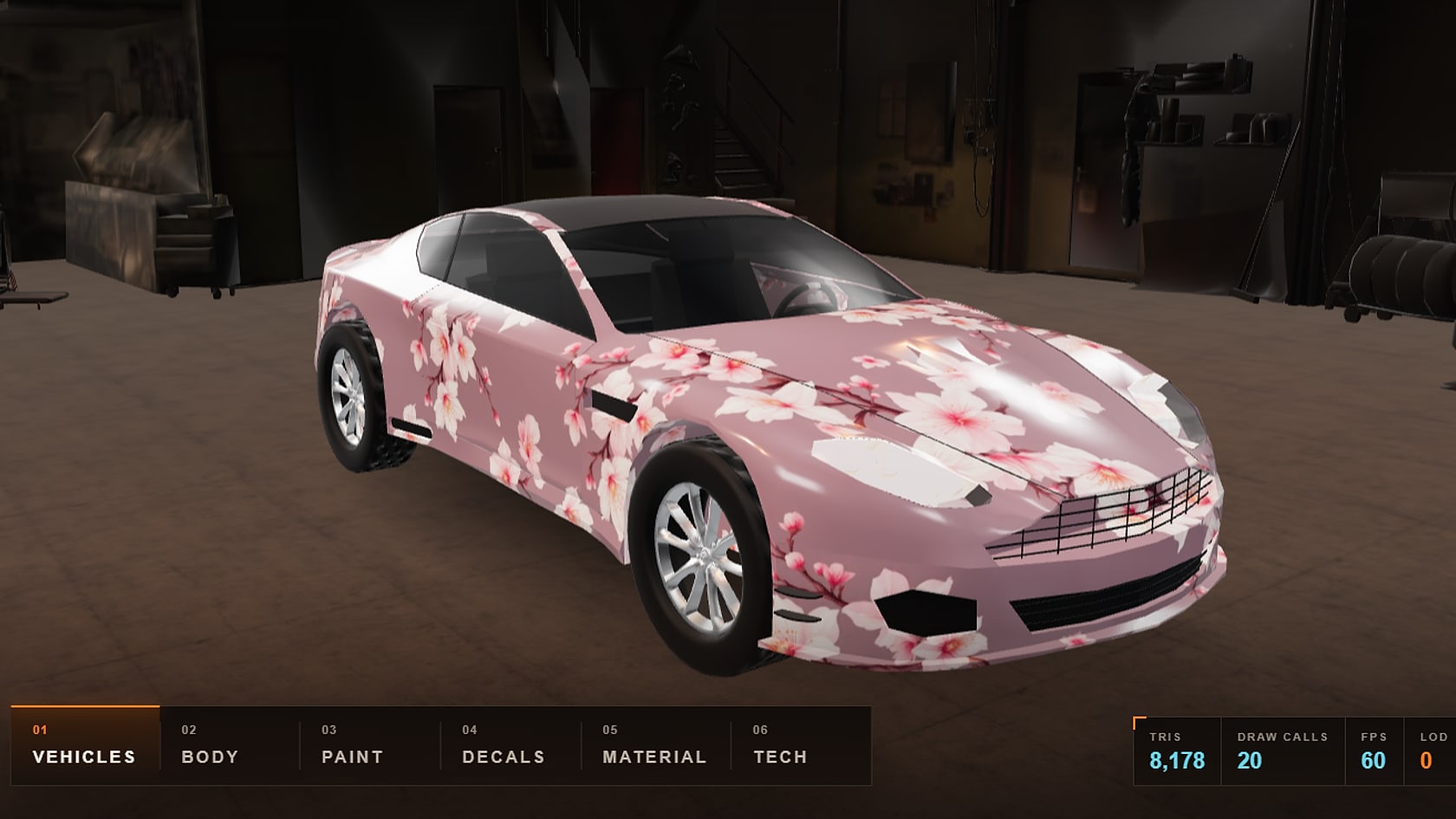
- RP Grand: a live 3D model right in the case study — you can rotate it and look closely.
Common mistakes
- Putting a catalog-render model on the website without making it lighter.
- No poster: an empty block while the model loads.
- A model without real scale: it "floats" on the website and looks like a toy in AR.
- Loading the model right away even if the visitor never scrolls to it.
Checklist
- A GLB made light for the web.
- A poster of the same angle.
- Scale and orientation.
- A viewer: ready-made or custom.
- A USDZ if you need AR on iPhone.
- A test on an average phone, not just on a work computer.