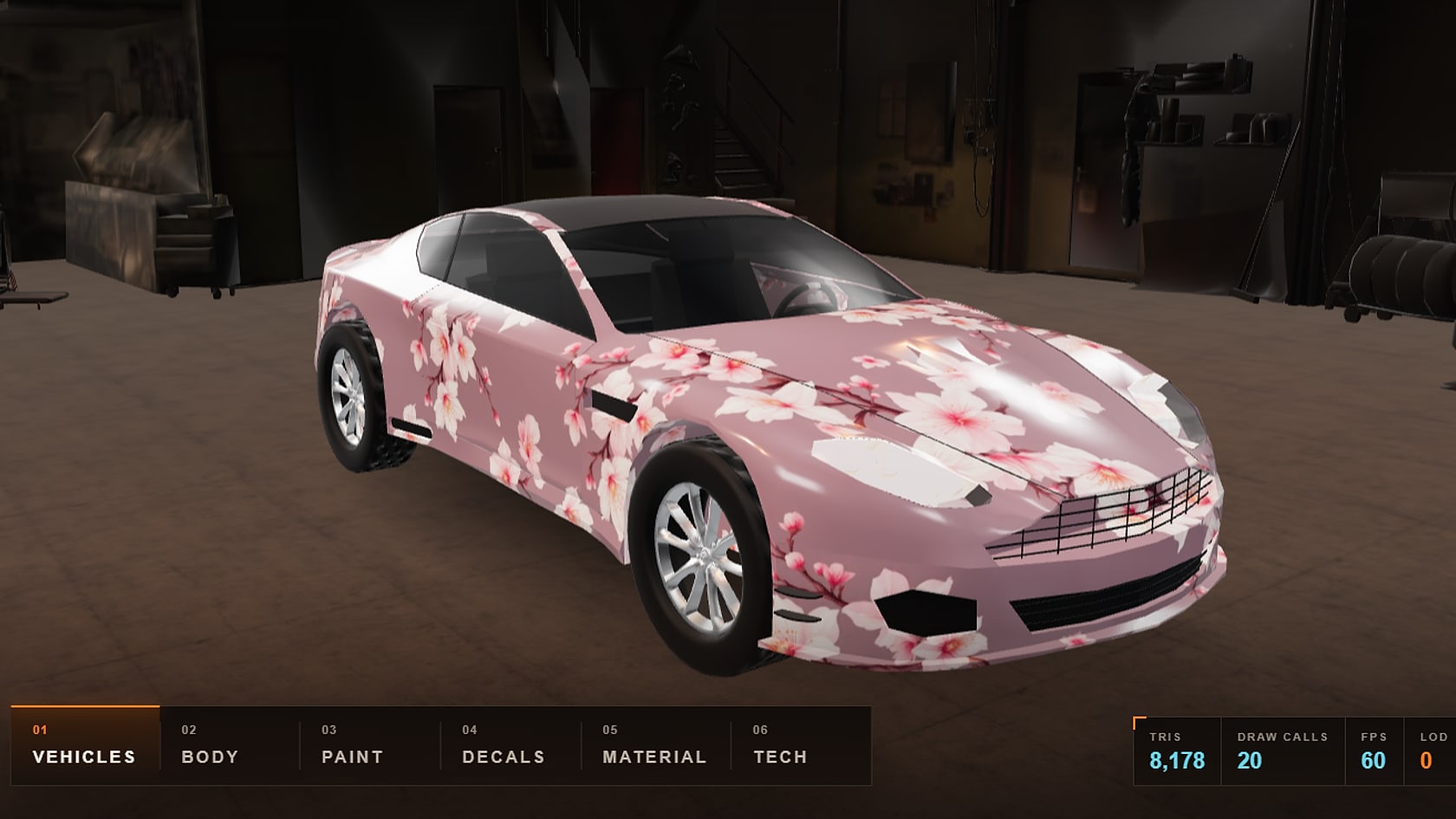
A car at the far end of a street takes up a few dozen pixels on screen — drawing it with every headlight and grille is pointless. LOD lets each object be drawn with exactly as much detail as is visible.
The levels
- LOD0: the full model for close-ups.
- LOD1: simplified — small details removed, a sparser mesh.
- LOD2: almost a silhouette for far away.
The number of levels and how much they're simplified depend on the project.
How they switch
The engine checks how far the object is from the camera, or how much of the screen it covers, and picks a level. The switch should go unnoticed, so only what can't be seen at that distance anyway is simplified.
When you need it and when you don't
- Games and simulators: many objects at different distances.
- Large interactive scenes: a village, a plant, a residential complex.
- One product in a viewer: the camera is always close, so one optimized model is enough. How to make it lighter is covered in Why a 3D model lags on a phone.
- AR of a single object: one model as well.
What to put in the brief
- The budget: how many triangles and materials each level may have. The developer or the project's engine sets it.
- How many levels and at what distances they switch.
- What stays the same on every level: the silhouette, the color, recognizable details.
What it looks like in practice
RP Grand: car assets for a mobile game — LOD0, the full build for close-ups, around nine thousand triangles; LOD1 for mid-range; LOD2, a silhouette for distant streets. In the case study's interactive garage you can switch the levels and look at the mesh.
Common mistakes
- Making LODs for a single model in a viewer.
- Simplifying so much that the silhouette changes: the switch becomes visible.
- Different materials on different levels: the object "flickers" in color when it switches.
Checklist
- Is LOD needed: are there many objects at different distances?
- A triangle and material budget for each level.
- Switching distances.
- The same silhouette and color on every level.